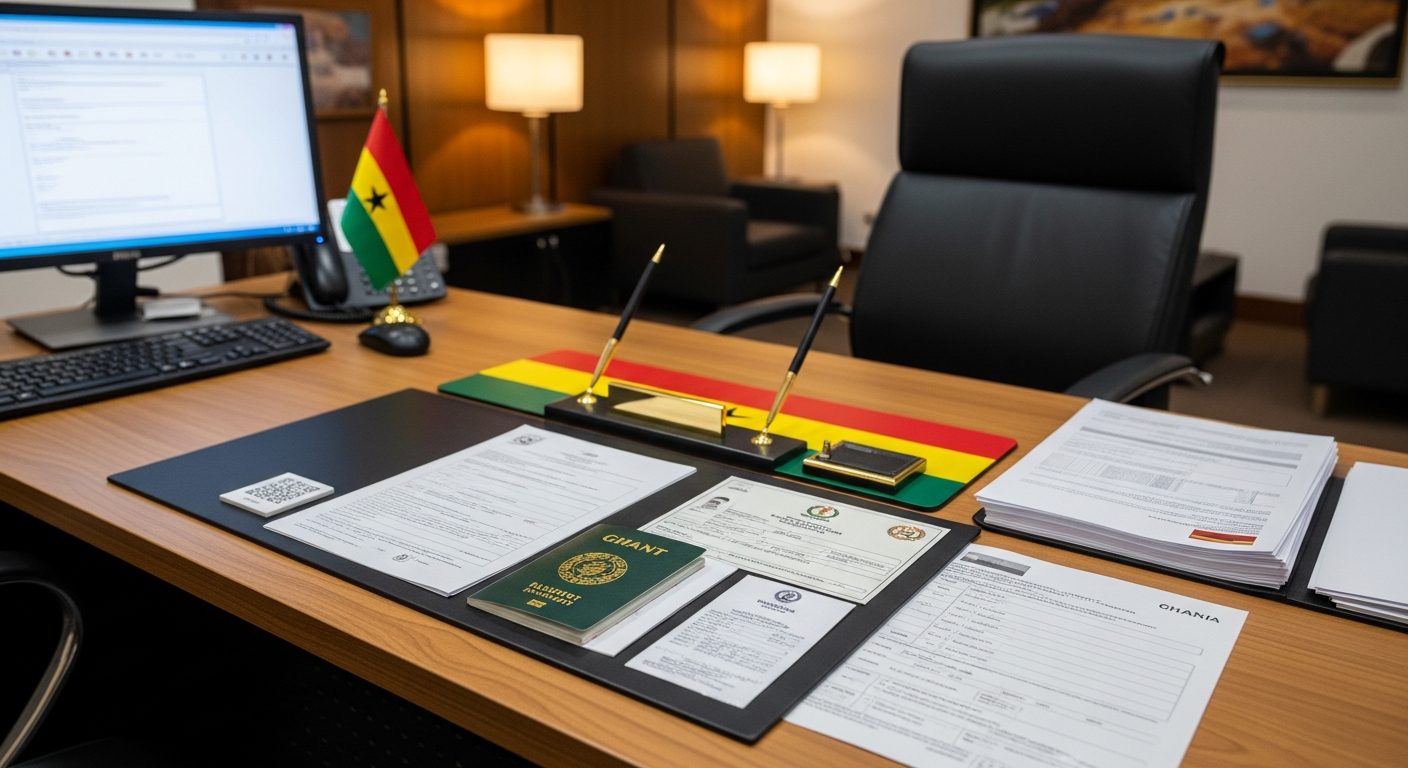
The National Service Certificate remains one of the most important documents any Ghanaian graduate must secure after completing their mandatory one-year service. Whether you are applying for jobs, seeking scholarships, or beginning a career in the public sector, your NSS Certificate will often serve as official proof that you have fulfilled your national obligation.
In recent years, the National Service Scheme has digitalised most parts of its operations—including certificate downloads and verification—making the process more convenient than ever. This article by Accra Street Journal breaks down everything you need to know about NSS Certificates in 2025: how to download them, how to verify authenticity, and the situations where you will need to use them.

What Is the NSS Certificate?
The NSS Certificate is an official document issued by the National Service Scheme in Ghana to confirm that an individual has completed the mandatory one-year national service. It is signed and stamped digitally by the Executive Director of the Scheme.
📢 GET A DETAILED ARTICLES + JOBS
Join ASJ's WhatsApp Channel and never miss a post or opportunity.

Employers, institutions, foreign embassies, and government agencies rely heavily on NSS Certificates to validate a graduate’s service status.
How to Download Your NSS Certificate
Since the full rollout of the digital certificate system, the NSS no longer issues hard copies at district offices. Instead, personnel can download their certificates online after their service records have been fully processed.

Step-by-Step Guide
1. Visit the NSS Portal
Go to the official NSS certificate portal: portal.nss.gov.gh and navigate to the certificate section.
2. Log in to Your Dashboard
Use your NSS Number and password to sign in.
If you have forgotten your password, use the reset option to restore access.
3. Confirm Certificate Eligibility
You will only see the “Download Certificate” option if:
-
Your service has officially ended,
-
Your records have been cleared,
-
All monthly evaluations were submitted.
If you do not see the option, it means your records may still be under review.
4. Download the Certificate (PDF)
Once eligible, click Download Certificate to get the PDF file.
It will contain:
-
Your full name
-
NSS Number
-
Institution you served
-
Digital signature and stamp
-
QR code for verification
5. Save and Back Up
Store it safely on multiple devices or cloud storage, as you will need it countless times.
How to Verify an NSS Certificate
Employers, agencies, and individuals can verify certificates online.
1. Visit the Verification Portal
Go to verify.nss.gov.gh.
2. Enter the NSS Number
Input the service person’s NSS Number exactly as it appears on the certificate.

3. Confirm Details
The system will display:
-
Name
-
Status of completion
A mismatch indicates a fake or altered certificate.
4. QR Code Verification
Modern NSS Certificates contain a QR code.
Scan the code using a smartphone to confirm details immediately.
When and Where You’ll Need Your NSS Certificate
The NSS Certificate is required across multiple stages of professional development. Here are the common use cases:
1. Job Applications
Many employers—especially banks, telecom companies, and government agencies—request NSS Certificates to confirm completion of national service.
2. Public Sector Employment
State institutions require the certificate as part of their eligibility verification process.
3. Scholarships and Educational Opportunities
Scholarship programs and postgraduate institutions often include the certificate among supporting documents.
4. Visa Applications
Some embassies ask for NSS Certificates when evaluating an applicant’s educational and service background.
5. Professional Certifications
Certain professional bodies in Ghana require the NSS Certificate before granting membership.
6. National Security Clearance
Security institutions and sensitive agencies rely on the certificate for identity and background validation.
Common Issues and How to Resolve Them
1. Certificate Not Showing on Portal
This usually means:

-
Your evaluations haven’t been fully processed
-
Your institution delayed submission
-
Your regional office has not cleared your records
You may contact your district or regional NSS office for quick resolution.
2. Name Spelling Errors
Submit an official name correction request with:
-
A copy of your Ghana Card
-
Your NSS Number
-
A written request
Corrections typically take a few days.
3. Wrong Posting Information
Report discrepancies immediately to the NSS for rectification before the certificate is reissued.
Tips for Keeping Your Certificate Safe
-
Store the PDF in at least three locations (device, email, cloud).
-
Print copies for job applications when necessary.
-
Do not share your NSS Number publicly to avoid impersonation.
-
Use the verification portal before presenting the certificate to institutions.
FAQs
1. How long does it take to receive the NSS Certificate after service?
It usually becomes available one to three months after completion, depending on record verification.
2. Can I collect a physical copy from the NSS office?
No, NSS has fully transitioned to digital certificates only.
3. Is the digital NSS Certificate accepted by employers?
Yes. All institutions accept the digital version, especially since it includes QR verification.
4. What if I lost my certificate?
Simply log in to your NSS portal and download it again. There is no limit.
5. Can I verify someone else’s certificate?
Yes, as long as you have their NSS Number.
Source: Accra Street Journal
Last Updated on November 19, 2025 by Samuel Kwame Boadu
Disclaimer: Some content on Accra Street Journal may be aggregated, summarized, or edited from third-party sources for informational purposes. Images and media are used under fair use or royalty-free licenses. Accra Street Journal is a subsidiary of SamBoad Publishing Hub under SamBoad Business Group Ltd, registered in Ghana since 2014.
For concerns or inquiries, please visit our Privacy Policy or Contact Page.

Samuel Kwame Boadu is a Ghanaian media entrepreneur and storyteller with a passion for amplifying urban voices and uncovering everyday truths. He is the Editor-in-Chief and Founder of Accra Street Journal, a dynamic digital platform dedicated to capturing the pulse of Ghana’s capital—its people, culture, challenges, business, sports and innovations.