



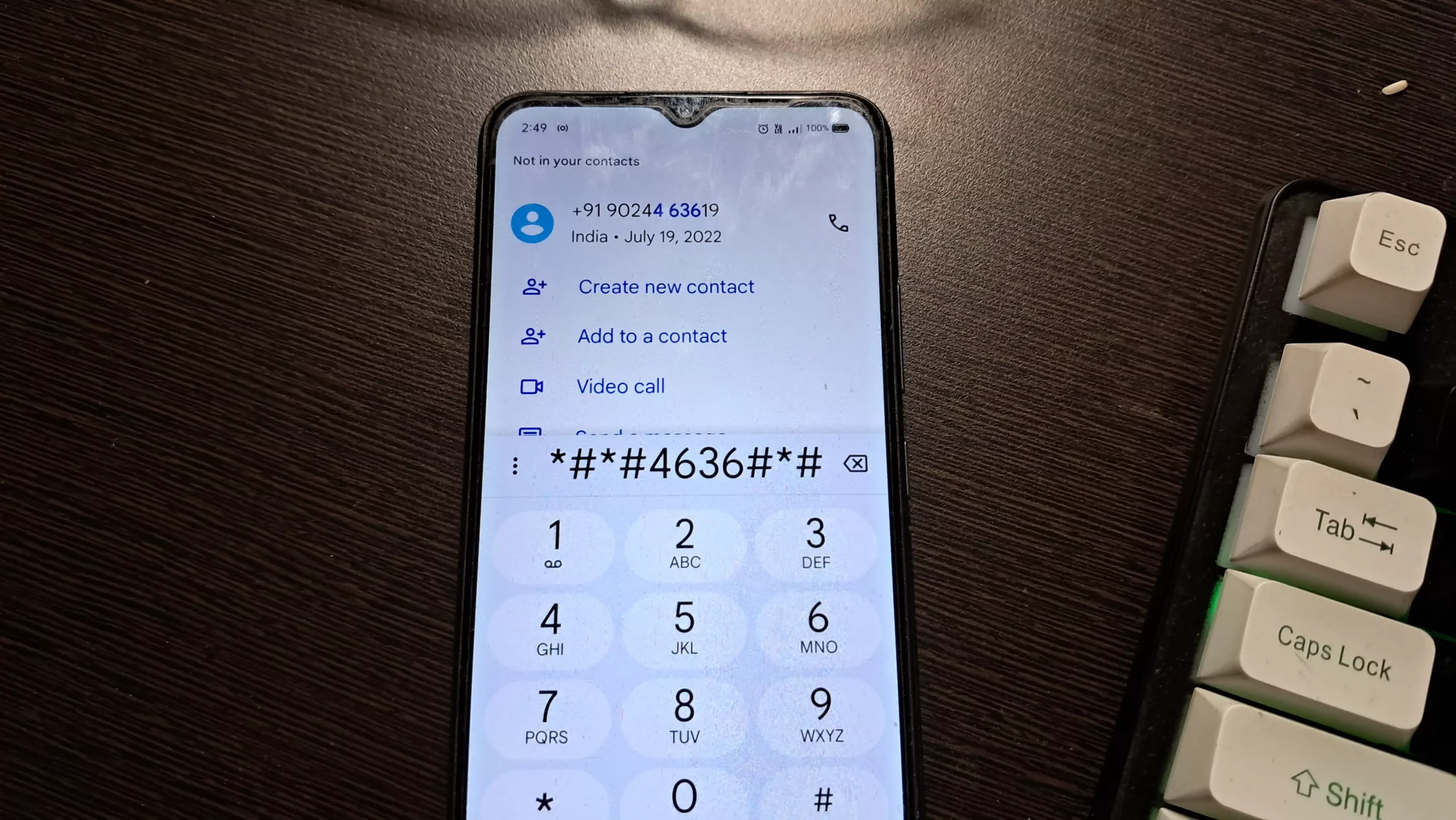
USSD codes are the backbone of everyday mobile services in Ghana. From checking airtime balance and buying data to performing Mobile Money transactions, MTN USSD codes are used millions of times daily. When these codes suddenly stop working, the disruption can feel immediate and frustrating.
MTN USSD errors are common, but they are rarely permanent. In most cases, the problem lies with network conditions, system overload, or phone configuration rather than the user’s account itself.

This Accra Street Journal evergreen editorial explains why MTN USSD errors occur and outlines practical, proven steps to resolve them.
📢 GET A DETAILED ARTICLES + JOBS
Join ASJ's WhatsApp Channel and never miss a post or opportunity.

What Is an MTN USSD Error?
An MTN USSD error occurs when a short code such as *170#, *124#, or *138# fails to complete a request. Users may see messages such as:
-
“Connection problem or invalid MMI code”
-
“Request failed”
-
“Service temporarily unavailable”
-
No response after dialing the code
These errors can affect airtime, data, Mobile Money, and other essential services.

Common Causes of MTN USSD Errors
1. Network Congestion
USSD relies on real-time network availability. During peak hours or network strain, requests may time out or fail.
2. Temporary MTN System Issues
Backend service interruptions or maintenance can cause USSD codes to stop responding, even when calls and data appear normal.
3. Poor Signal Strength
Weak or unstable signal affects USSD more than voice calls. Even slight signal drops can interrupt requests.
4. Phone Configuration Problems
Incorrect SIM settings, outdated software, or corrupted network profiles may block USSD requests.
5. SIM Card Issues
Old, damaged, or improperly registered SIM cards can fail to authenticate USSD requests.
Step-by-Step Ways to Fix MTN USSD Errors
1. Check Network Signal Strength
Ensure you have at least moderate signal coverage. Moving to an open area or higher ground can restore USSD functionality.
2. Restart Your Phone
Restarting refreshes network registration and clears temporary system glitches affecting USSD.
3. Toggle Airplane Mode
Switch airplane mode on for 20–30 seconds, then turn it off. This forces a fresh connection to the MTN network.
4. Try the USSD Code Again Later
If the error is due to congestion or system maintenance, retrying after a few minutes often works.

5. Ensure You’re Dialing the Correct Code
Small mistakes can trigger errors. Always confirm:
-
Correct symbols (* and #)
-
No extra spaces
-
Correct service code
6. Check SIM Toolkit and Default SIM Settings
Ensure:
-
Dual-SIM phones are not routing the request through another network
7. Update Your Phone Software
Outdated software can cause USSD compatibility issues. System updates often resolve network interaction bugs.
8. Test the SIM in Another Phone
If USSD works on a different device, the issue is likely phone-related rather than network-related.
9. Replace or Upgrade Your SIM
If the SIM is old or damaged, upgrading at an MTN service centre often resolves persistent USSD failures.
10. Contact MTN Customer Support
If errors persist:
-
Report the exact error message
-
Specify the USSD code affected
This helps MTN identify and resolve backend issues faster.
Why USSD Errors Matter in Ghana
USSD remains critical because it:
-
Supports users without smartphones
-
Enables Mobile Money access
-
Functions without internet connectivity
-
Powers financial inclusion
When USSD fails, access to basic services is disrupted, especially for users who rely entirely on feature phones.
Conclusion From ASJ
MTN USSD errors can be inconvenient, but they are usually temporary and solvable. In most cases, the issue stems from network congestion, signal problems, or SIM configuration rather than permanent service failure.
By understanding the causes and applying the right fixes, users can quickly restore access to essential MTN services and avoid unnecessary stress or delays.
Frequently Asked Questions (FAQs)
Why does MTN USSD work sometimes and fail other times?
This usually happens due to fluctuating network congestion or signal strength.
Can USSD errors affect Mobile Money transactions?
Yes. USSD errors can delay or block MoMo transactions temporarily.
Does having airtime affect USSD usage?
Most USSD services are free, but poor balance does not usually cause USSD errors.
Should I reset my phone to fix USSD problems?
A full reset is rarely necessary. Restarting or resetting network settings is usually enough.
When should I visit an MTN service centre?
If USSD errors persist for days or only affect your SIM while others work normally.
Source: Accra Street Journal
Last Updated on March 9, 2026 by Samuel Kwame Boadu
Disclaimer: Some content on Accra Street Journal may be aggregated, summarized, or edited from third-party sources for informational purposes. Images and media are used under fair use or royalty-free licenses. Accra Street Journal is a subsidiary of SamBoad Publishing Hub under SamBoad Business Group Ltd, registered in Ghana since 2014.
For concerns or inquiries, please visit our Privacy Policy or Contact Page.

Samuel Kwame Boadu is a Ghanaian media entrepreneur and storyteller with a passion for amplifying urban voices and uncovering everyday truths. He is the Editor-in-Chief and Founder of Accra Street Journal, a dynamic digital platform dedicated to capturing the pulse of Ghana’s capital—its people, culture, challenges, business, sports and innovations.